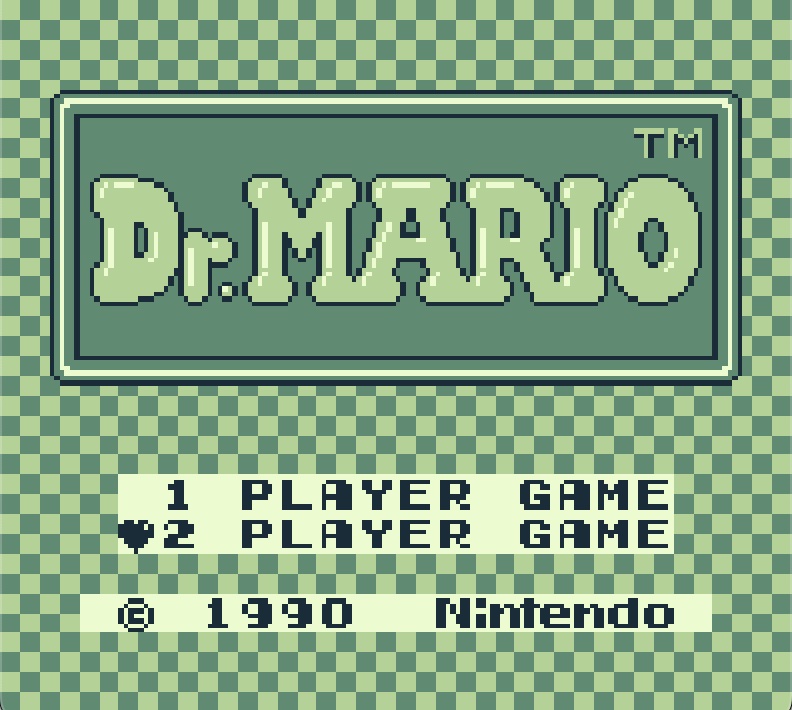
Years ago, I bought a USB-to-GB Link Cable Adapter, aka GB Link, from Stacksmashing’s store (which is no longer selling them). I put it away and didn’t think much about it for a long time.
Last year, I finally soldered together a Pico and played a game of Tetris with some users from the Stacksmashing Discord group. Wow, playing a 36-year-old game over the internet was awesome. The idea of repurposing old technology that was never intended to be played online fascinated me. Surely there had to be other games I could use the adapter with.
Nope. Not really.
Well, sort of?
I found several projects where people used microcontrollers such as the Arduino to connect their Game Boys. Many of them focused on Pokémon trading, but I was more interested in classic two-player games like Dr. Mario. I had to make it happen.
I started by looking at the original source code for the Tetris web client and server used by GB Link. At first glance, it didn’t seem too bad.
It’s only serial communication, right?
To better understand how Tetris worked when two Game Boys were connected, I started searching for documentation on the game’s link cable protocol. During that search, I came across GBPlay’s excellent breakdown of the Tetris protocol: https://blog.gbplay.io/game-protocols/Tetris.html
My curiosity only grew from there.
Before touching physical hardware, I used the BGB GameBoy emulator/debugger to capture traces from different game states and conditions for both the master and slave Game Boy sessions. The more I worked on it, the more I realized that older hardware is all about timing and sequencing. Getting those details right was both critical and frustrating.
After months of development and testing on real hardware, I finally present Dr. Mario for GB Link and other compatible adapters. I can’t tell you how many times I had to power cycle both Game Boys while debugging issues and chasing down obscure edge cases.
A huge thank you to Starlark for helping with testing and giving me the opportunity to use the latest version of the GB Link adapters. Working on Dr. Mario sent me down a rabbit hole of Game Boy-related projects, and I’m excited to see where that journey leads next.
For those interested, the repository can be found here: https://github.com/GB-Link/gb-drmario