If you’re anything like me, keeping up with the latest news from multiple news sources can be a hassle. Sure there are Google Reader replacements, but what if you want to have all your new articles in one place under one feed on the go? Pocket is a great application that lets you easily read articles in the same format and more importantly without any ads. Today we’ll show you how you can setup automatic RSS feeds using Pocket and IFTTT.
First you’ll need to create an account on IFTTT. The process is fairly easy and all you need to do is verify your email.
Once logged in, we will need to create a new recipe.
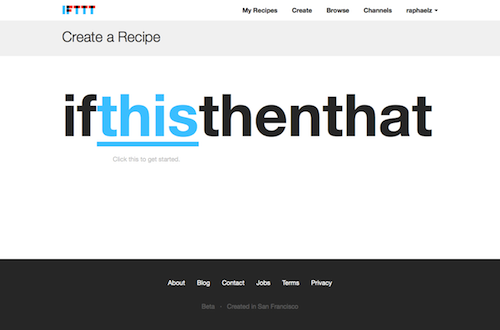
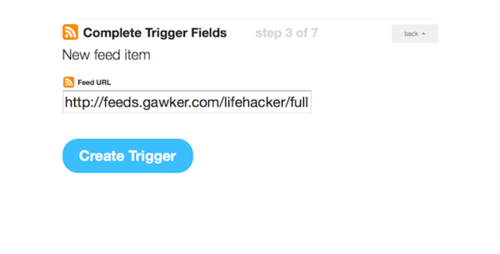
For the this command, you will need to select the source of your statement. Click on Select Feed and you will be prompted to enter a feed URL. Choose the new feed item or you can select specific items using a keyword if you only want to retrieve certain articles. For this example, I’m going to use Lifehacker’s RSS feed: http://feeds.gawker.com/lifehacker/full
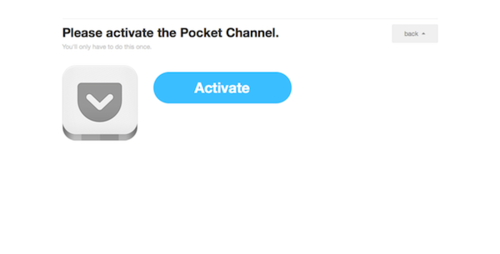
Now it’s time for setting up the action that in our recipe. From here you select Pocket and then you will need to click Activate. You will be prompted to sign in with your Pocket username/password in order to authorize the app.
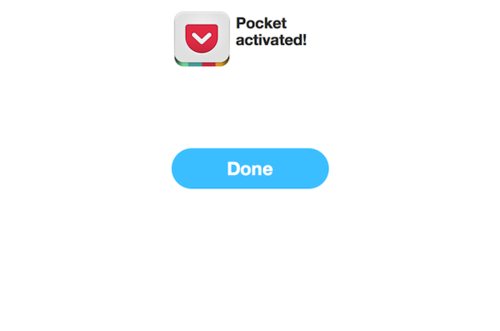
Once authorized, click Done and the newly opened window will close.
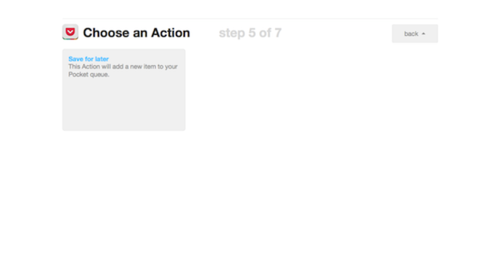
Continue by clicking the Continue to next step button. From there you will need to select an action, the only option you will have is to Save for later which places it in your queue (what we want the recipe to do). Click Create Recipe and you’re good to go.
If done right, your recipe should be created and the feed is checked every 15 minutes with new articles being pushed into your Pocket account. You can do this for as many websites as you follow.